Introducing Earleaf
After 15 years on iPhone, I switched to Android and immediately missed my audiobook app. Clean design, great collections, it just worked. I went looking for something similar on Android and came up short. The main option has been around since like 2011 and it looks like it. Everything else was ad-supported or missing half the features I wanted.
So I built one. Earleaf. Plays locally stored audiobooks on Android. No account, no cloud, no tracking. Point it at a folder, done.
The features
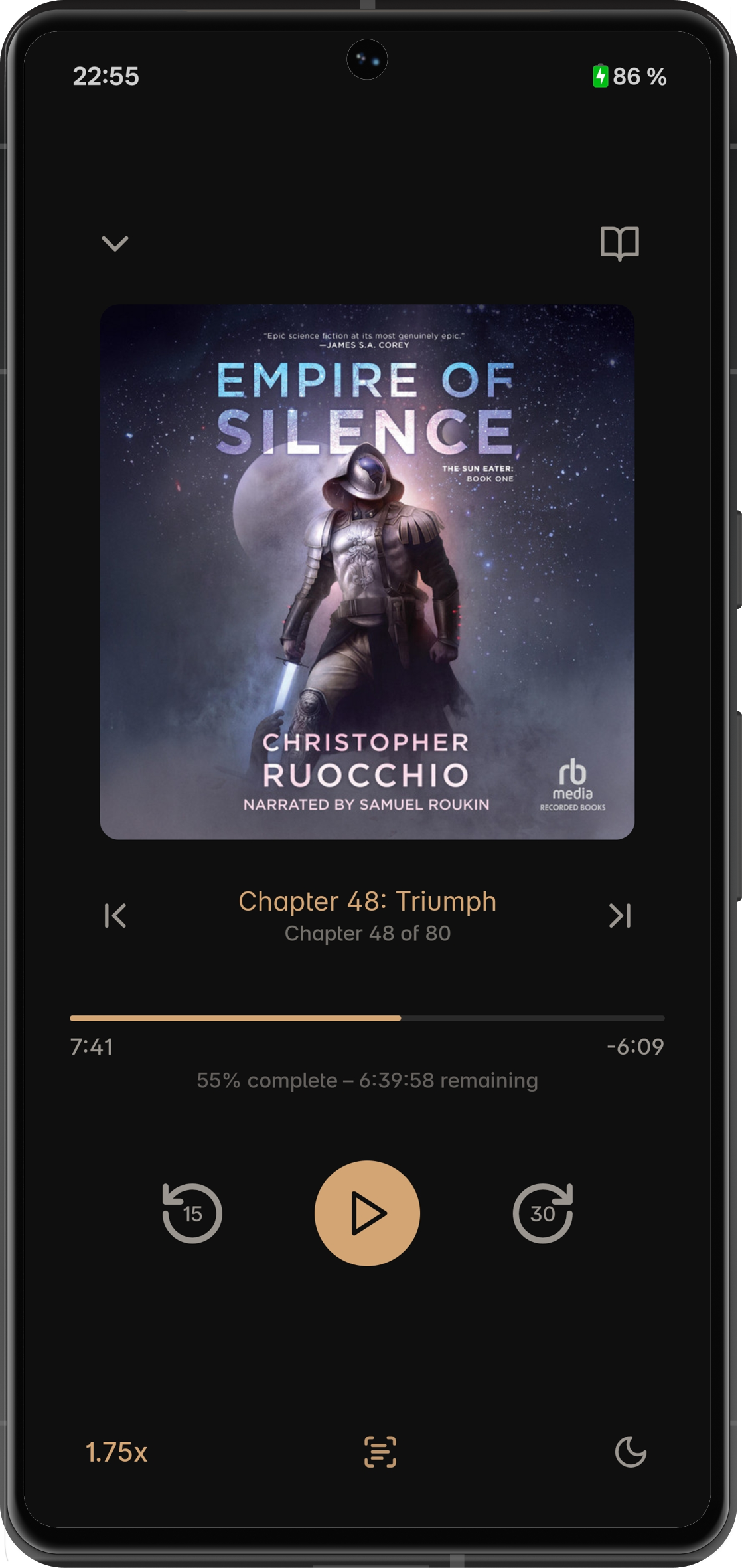
All the basics are covered—sleep timer, chapter navigation, skip intervals, background playback, lock screen controls, Android Auto. I'll skip to the stuff that's actually interesting.
Page Sync
So when I first mentioned this project to a friend, Spotify had just shipped Page Match. He goes: "you know, if you add that, it'd be my go-to app." I laughed. Then I tried it and it turned out to be way more doable than expected.
You take a picture of a page from the physical book (or e-book) and Earleaf finds that spot in the audio. The whole thing runs on-device, nothing leaves your phone.
How it works. First time you use it, a ~40MB speech model downloads. One-time thing. Then the app transcribes your audiobook in the background, fully offline. Every word gets a millisecond timestamp, all stored in an FTS4 index.
Take a photo, ML Kit does OCR on it, the text gets normalized and searched against the index. Top candidates go through fuzzy matching—Levenshtein distance, 70% similarity threshold. You need that tolerance because both the OCR and the speech recognition make mistakes, so you've got errors on both sides. Whole thing takes about two seconds.
This feature gave me real headaches during development though. For a long while it was landing about 30 seconds before the right spot and I could not figure out why. Turned out: rounding error in audio resampling. The speech recognition model wants 16kHz, audiobooks are usually 44.1kHz, and tiny per-sample errors accumulate over a 10+ hour book. Fun.
Nested collections
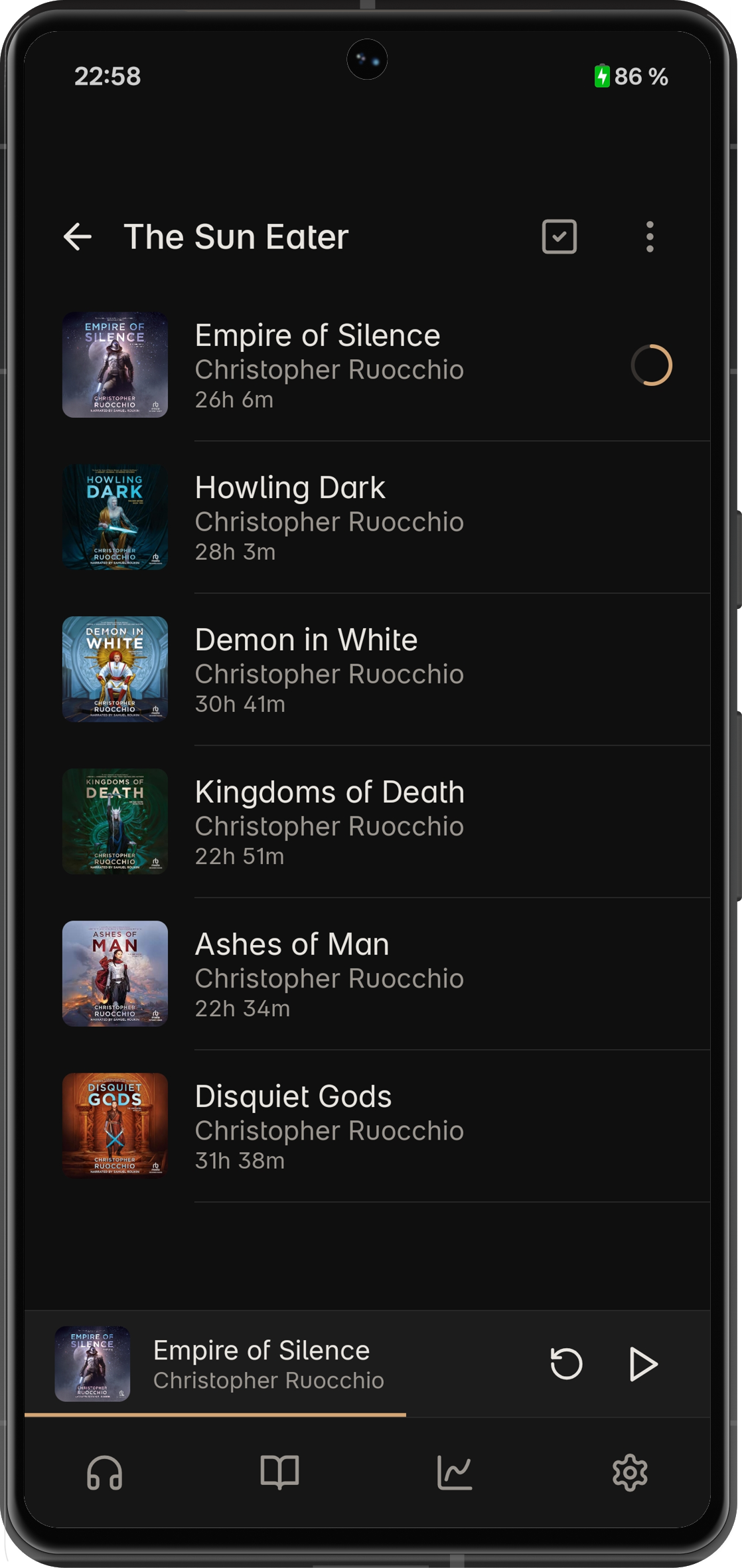
Collections inside collections, to whatever depth you want. I'm genuinely surprised none of the other players do this? If you've got a big library you probably don't want everything in one flat list.
Listen-through tracking
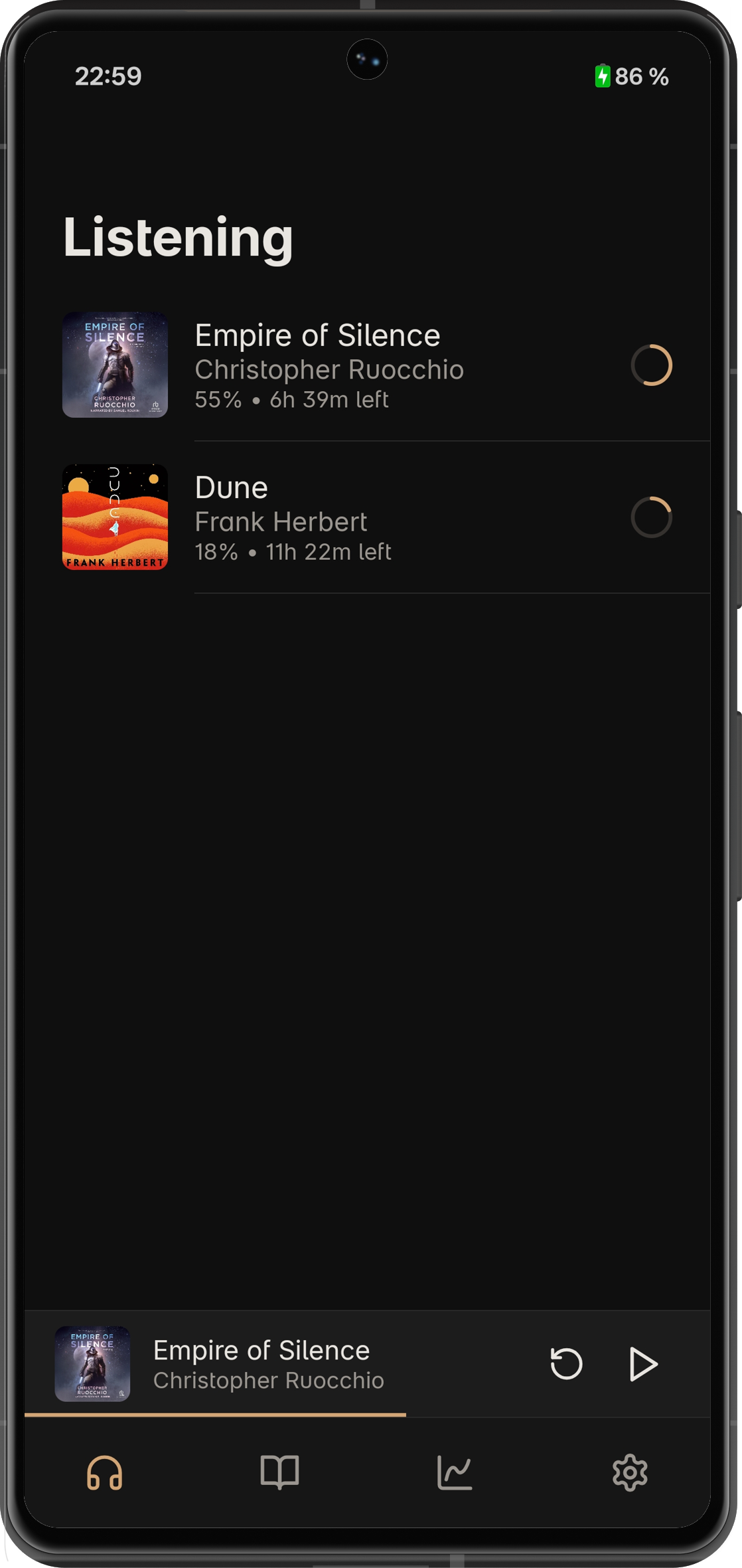
Every time you start a book, that's a new listen-through with its own position, progress, notes. Abandon something halfway, come back months later, start fresh? New listen-through. Old one still there. Decide you want to go back to where you were on your first attempt? Works fine.
Statistics
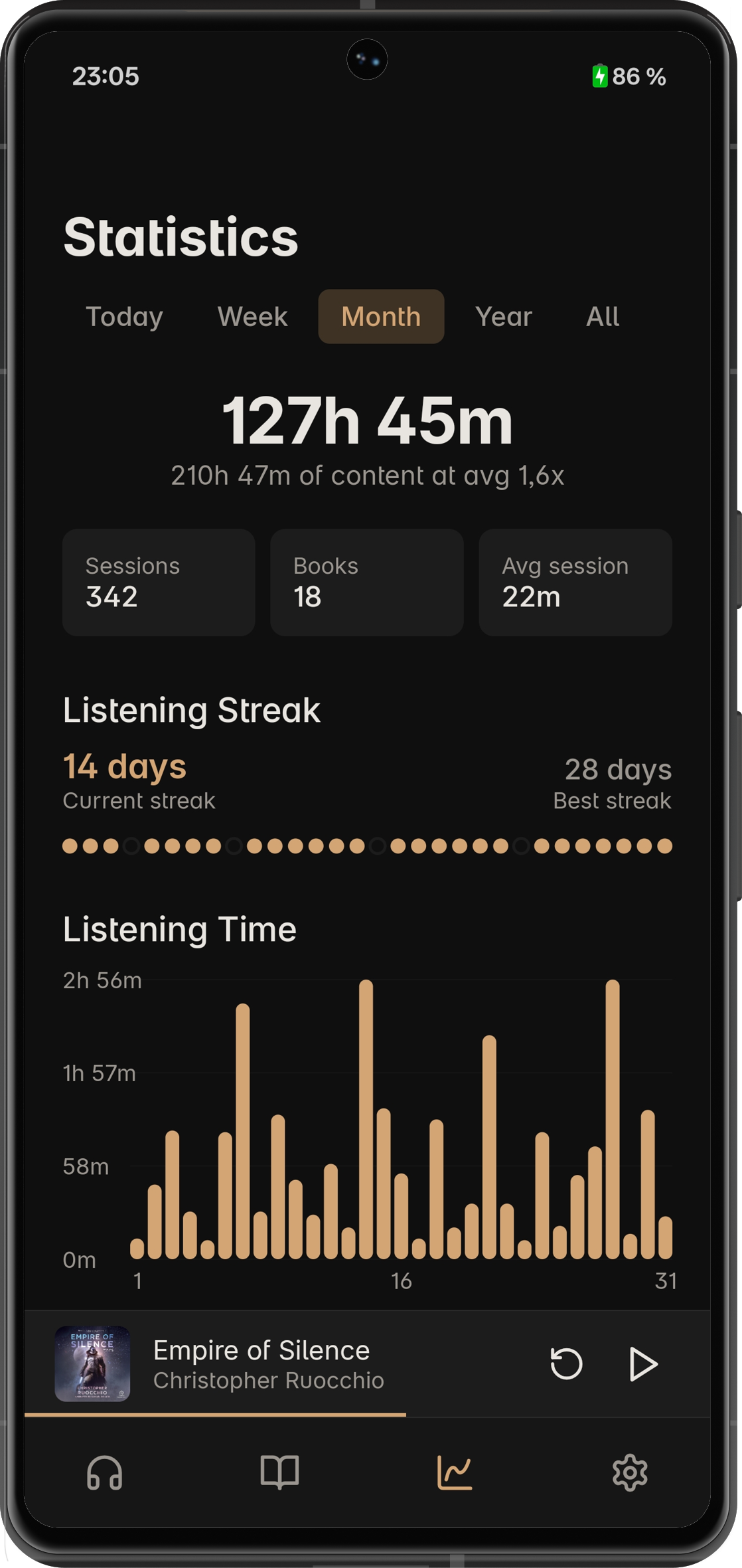
Streaks, a day-by-hour heatmap, personal records, speed breakdowns, session history. All local. For the kind of person who wants to know they've listened 47 hours this month at 1.35x average. You know who you are.
Per-book playback speed
Each book stores its own speed. But here's the thing I actually like about it: every time display adjusts for speed. A 10-hour book at 1.5x shows 6:40 remaining, not 10:00. Minor thing. Until you use an app that doesn't do this, and then it bothers you forever.
Privacy
Earleaf doesn't use the internet. Two exceptions, both optional: cover art search (you trigger it yourself, Google Images) and that one-time Vosk model download. No accounts. No analytics. No telemetry. Data stays on your phone.
Not really a philosophical choice. An audiobook player just doesn't need to be online.
Get it
$4.99 on Google Play. No ads, no subscriptions, no in-app purchases.
If you happen to get the app and you like it, a review would mean the world to me. For any questions or feedback, you can reach me at arcadianalpaca@gmail.com. Cheers!